
Speed
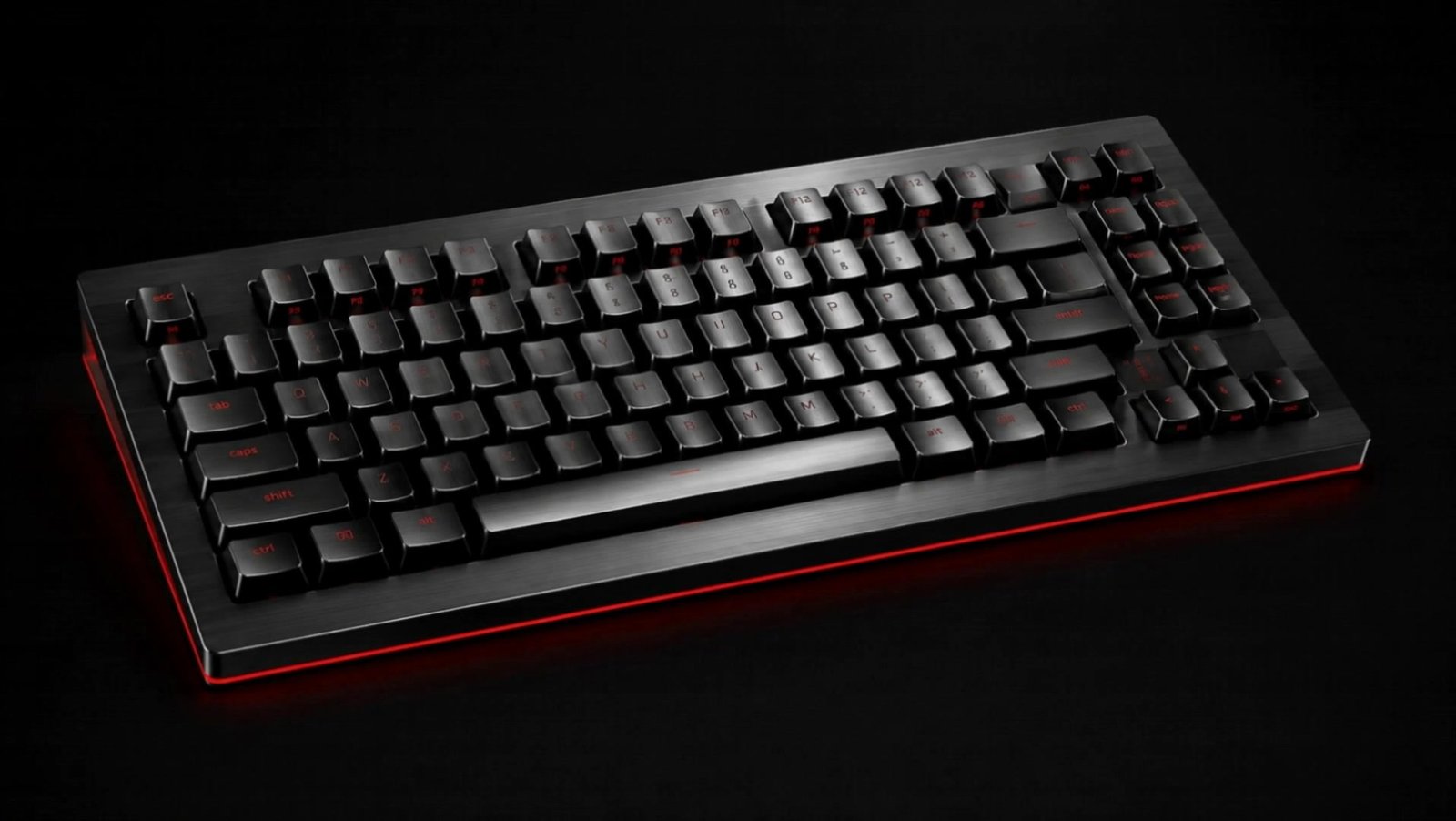
When speaking is easier than typing, work moves faster. VoiceBar is designed for short, fast activation without opening a separate writing environment.
VoiceBar
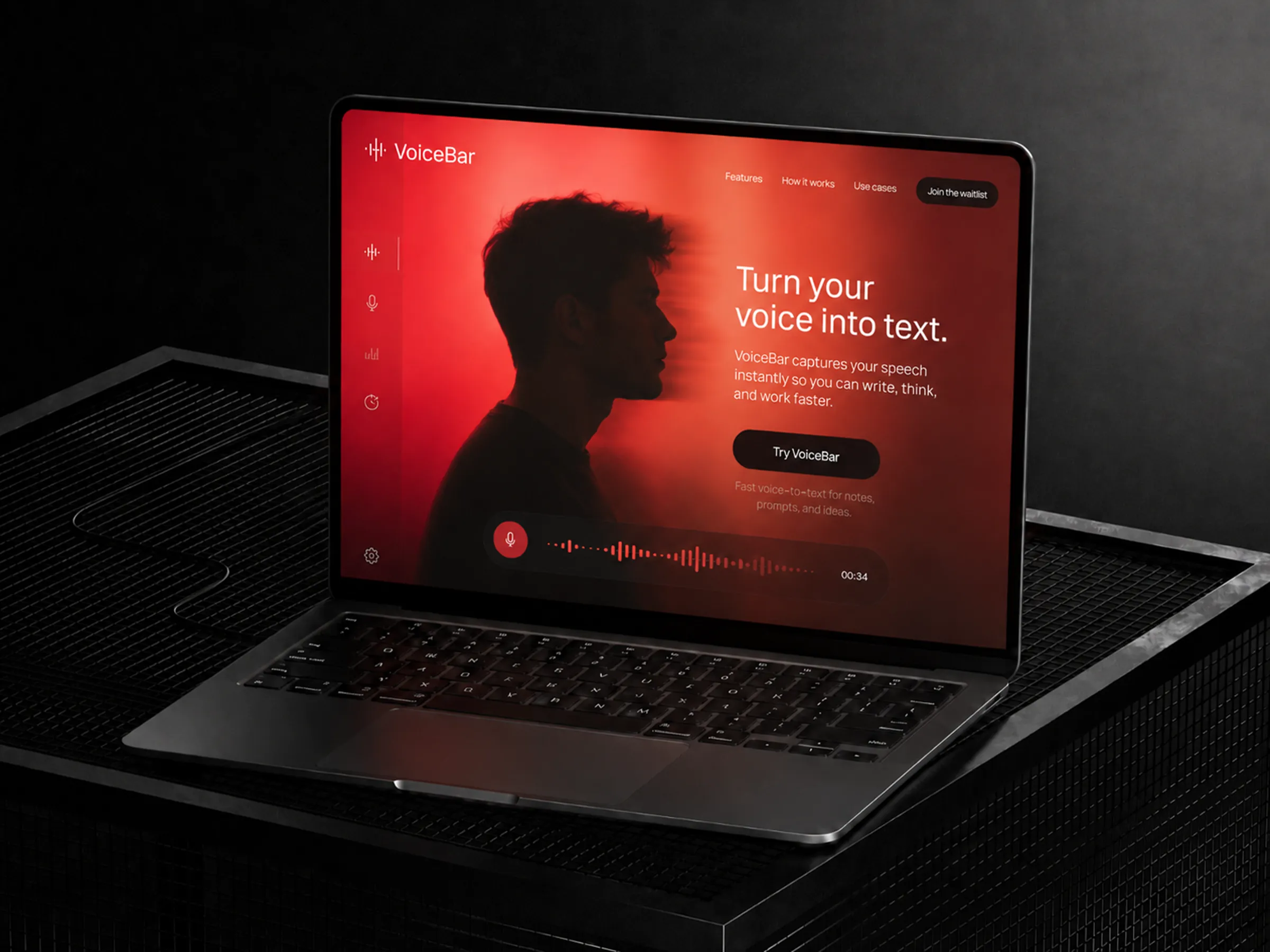
VoiceBar turns speech into text and pastes it directly where you work.
We write messages, documents, replies, summaries, emails, tasks, and ideas all day. Often the thought is already clear, but typing slows it down.
Open VoiceBar, speak naturally, and the text appears in the active field: chat, document, browser, email, or anywhere you can type.
When speaking is easier than typing, work moves faster. VoiceBar is designed for short, fast activation without opening a separate writing environment.

No window switching, no manual copy and paste, and no need to manage files for every short note.

VoiceBar is designed for Hebrew and additional languages. The goal is simple: speak in the language that feels natural and get usable text quickly.
The action is short enough to fit into your current work: record, get text, and continue from the same place.

Speak quickly, pause when needed, and review the text before sending or saving it in your workspace.
Short messages, emails, ideas, meeting notes, replies, internal documentation, and repeated writing tasks.
VoiceBar is made for the moments when the thought is ready and typing is the bottleneck. It stays close, fast, and simple, so you can keep working without breaking flow.
One shortcut, a short recording, and direct paste into the active field.
Download VoiceBarA short, clean installation prepares VoiceBar for daily work on your Windows machine.
Start recording from the shortcut or floating bar without leaving the place where you write.
Speak naturally in Hebrew or the language you are working in, without stopping to type each sentence.
The text comes back and is pasted directly into the active field, so there is no manual copy step.
Download VoiceBar and start speaking instead of typing.